
.jpg)
First: Not sure what you can report? Here are some helpful hints:
- Attend a Rotary Passport or another Rotary Club's meeting
- Attend a Rotary Passport or other club's Social Mixer
- Help another Rotary Club with a service project or fundraiser
- Attend any District event
- Give Blood in the name of Rotary Passport
- Volunteer at a local school or non-profit
- Lead a Scouting Troop
- Serve on the Board of Directors for Passport or another non-profit's board
These activities can count towards each member's service hour goal of 40 hours per Rotary year (July 1 - June 30). If you need more help coming up with ideas to meet your goal, please see the Lives Saved page on our website.
Also, don't forget to submit your hours using the link below, so we can keep track of your hours.
Want to report Service Hours on your iPhone?
If you want to add this link to your iPhone as an App, open the link on your iPhone then, hit the Upload icon which looks like a box with an arrow pointing up at the bottom of your screen (Pic 1). Then hit Add to Home Screen (pic 2) and TA-DA! It will be on your home screen. You'll see it as a purple icon that says Monthly Service (pic 3). Just click and it takes you directly to the Google document.
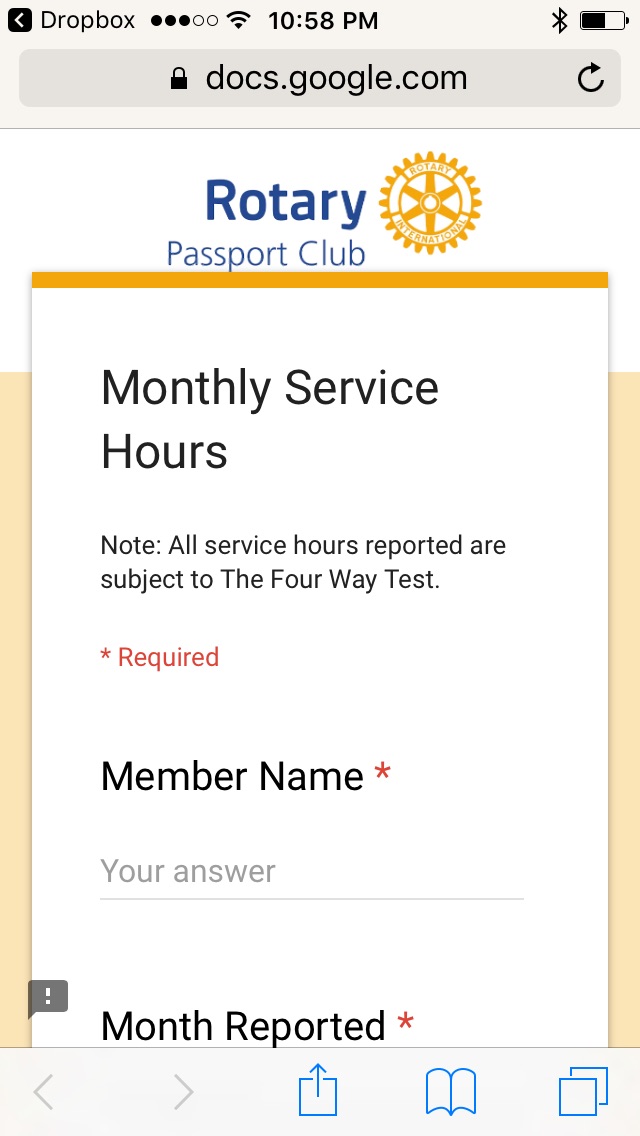 | 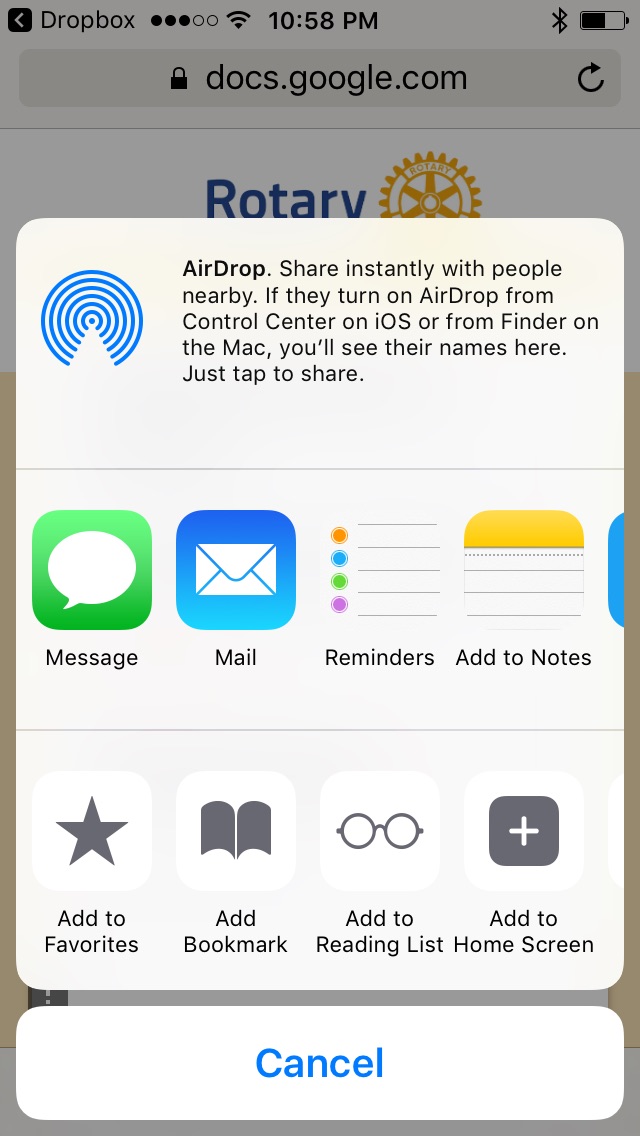 | 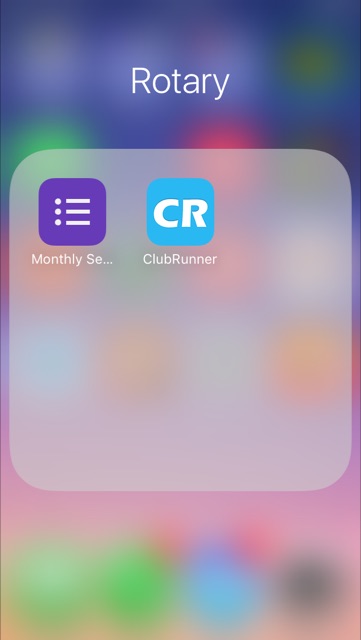 |
| (Pic 1) | (Pic 2) | (Pic 3) |